What you get, and what it costs.
One number to call, one flat monthly rate per user. Here's the scope, what's in the rate, what's separate, and what the first 30 days look like.
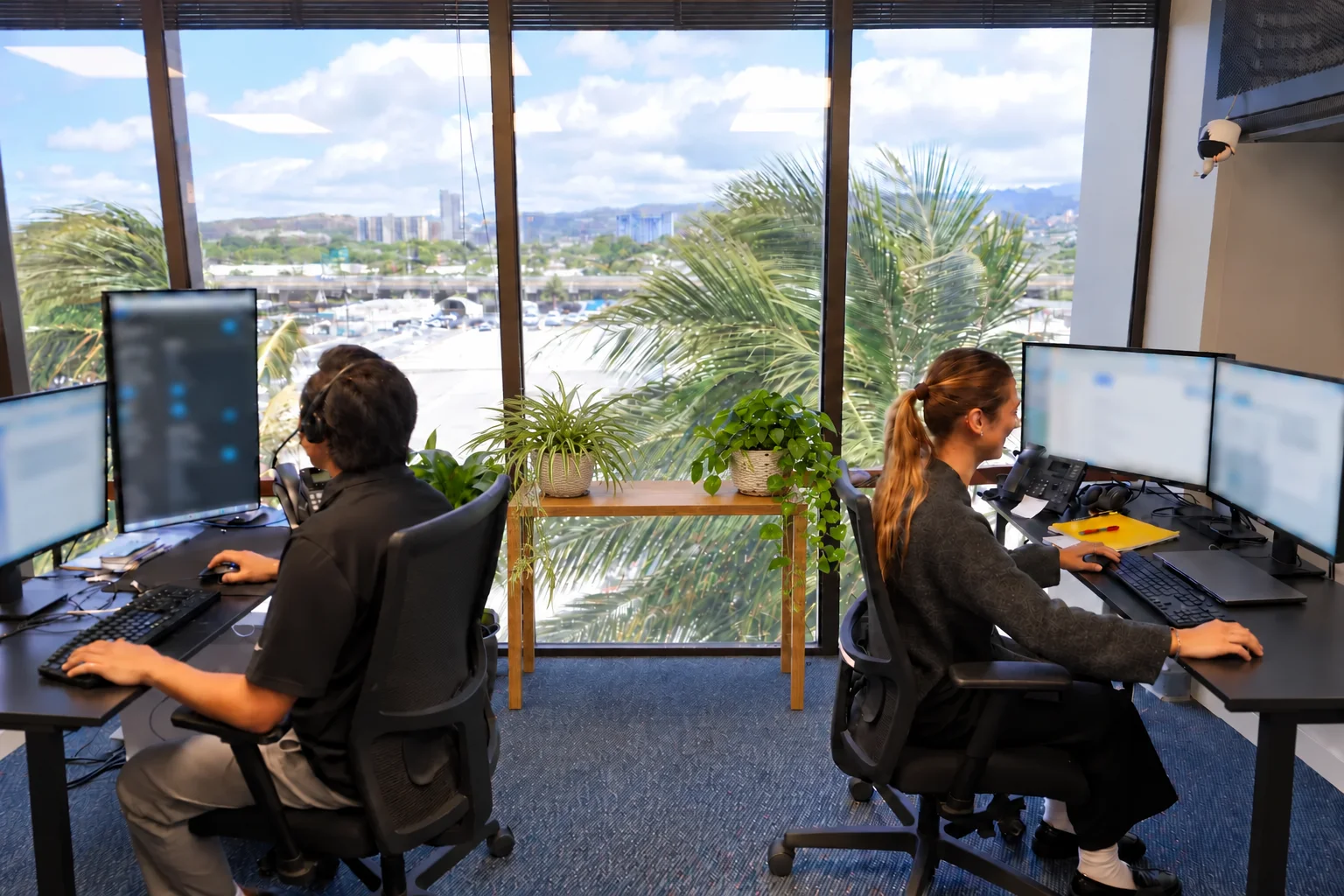
Everything technology, one number to call
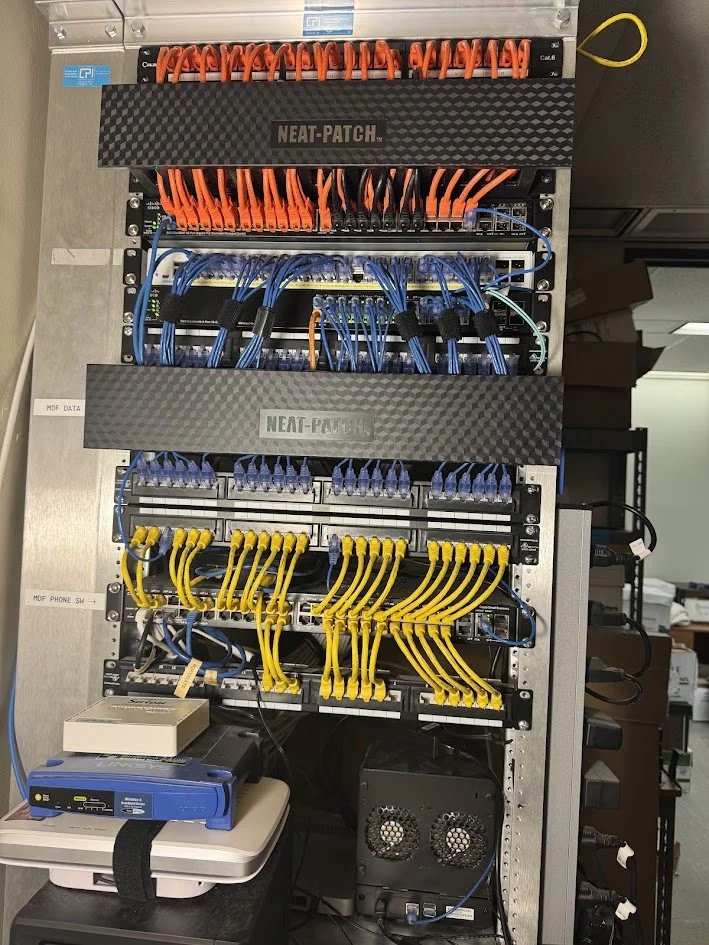
- 01
Service desk
Fast, friendly help from people who know your business. Median first response, last business day: 7 min.
- 02
Proactive monitoring
Automated health checks run around the clock on the machines we manage. Most problems we fix before you hear about them.
- 03
Cybersecurity and compliance
FTC Safeguards and HIPAA work explained in terms you can act on, without the checkbox theater. Threat monitoring is part of the security stack; compliance work is scoped in your quote.
- 04
Cloud services
Modern, hardened cloud setups so your team can work from anywhere in the islands.
- 05
Backup and recovery
Tested backups are part of the security stack. Your quote defines coverage and recovery requirements.
- 06
Vendor management
ISPs, printers, phones, line-of-business software, hand them all to us. We know fair prices and we fight for you.
- 07
Infrastructure and procurement
Network buildouts, office moves, and a laptop ready for Thursday's new hire.
A recent save
Our single largest category of ticket is one the client never opens: a workstation drive dropping under ten percent free. Our monitoring catches it and files the ticket itself, and it's typically cleared the same day. That's one ticket in eight, handled before anyone had to ask.
We look after the platforms you already run
What the flat rate covers, and what it doesn't
Managed IT
- The service desk, call or email as often as you need. No hourly meter running while you're on the phone.
- Monitoring and maintenance on every machine we manage, around the clock.
- Vendor management. We hold your vendors so you hold one number.
- Straight answers, plain-English recommendations, including "don't buy that."
Separate, and quoted first
The security stack is quoted separately. Threat detection, email protection, tested backups, and staff training.
- Project work, migrations, office moves, buildouts. Each gets its own flat quote, and it's for managed clients only, white glove doesn't work as a drive-by.
- Hardware and licenses you buy. We spec them and source a fair price; you approve before anything is ordered.
- After-hours emergency work, the line is monitored for emergencies, and any charge is named before the work starts.
Nothing lands on an invoice you haven't already seen. If it's outside the flat rate, you hear the number first and approve it before work starts.
The whole rate sheet. In writing.
Give us an email and the whole rate sheet is yours, no call.
One email. No sales call required.
Managed IT: $125 a person, per month. Unlimited service desk, on-site visits, monitoring around the clock, patching, Microsoft 365 administration, new-hire setup, vendor management.
Security stack: an additional $75 a person, per month. Threat detection on every machine, email protection, tested backups, security awareness training. We recommend it for everyone and almost everyone takes it.
$1,000 monthly minimum. A person who uses more than one machine counts by machine. Your written quote lists servers, extra locations, and other separately priced work. Changes to the agreed scope and any additional charges are confirmed with you first.
After-hours emergencies are billed hourly and answered by a real technician. Hardware is billed at cost with no markup. You see the invoice.
Your quote makes the inclusions and exclusions clear, so you can compare the same scope of service.
Infrastructure projects such as migrations, office moves, and buildouts are quoted separately for managed clients. Standalone specialist engagements are available through our specialist projects service.
| What's included | Coverage |
|---|---|
| Service desk | Unlimited |
| On-site visits | Included |
| New employee setup | Included |
| Security stack | Additional $75 per person, per month |
| Backups | Included and tested with the security stack |
| Microsoft 365 admin | Included; licenses billed at cost |
| Vendor management | We contact the vendor and follow through |
| Monitoring and patching | Included |
| Quarterly review | Written report |
| After-hours emergencies | Hourly, answered by a technician |
| Projects | Quoted separately for managed clients |
| Hardware | At cost, with the invoice |
Send us your current IT invoice. We'll mark it up line by line against this sheet, in writing, within one business day. What you're paying for, what you're not getting, and what the same list costs here. No call, no pitch, and we don't keep the invoice.
The first 30 days
The assessment. The full inventory, yours to keep either way. Then an exact flat quote.
The overlap. Passwords, licenses and vendor contacts move over while your current setup stays in place. No gap, no weekend cutover surprise.
The findings, worst risk first. Your team starts calling one number for everything.
Most people stop dreading the IT call inside a month.
What a month at the desk looks like
We pulled 885 recent tickets and sorted them one by one. Eleven recognisable IT categories cover barely half. The rest, 44%, fits no IT category at all. That's the half we staff for.
Disk space critical on a front office workstation
Raised the moment it crossed the line, automatically. Nobody had reported a problem.
- Free space
- 4.2 GB of 476 GB (0.9%)
- Threshold
- Under 10% free
- Trend
- Falling for 9 days of ordinary use; crossed the line overnight
- Would break
- Windows updates, then saving files
- Ticket opened
- T‑01485, automatically
A real alert type with the identifying details removed. Drives filling up quietly are the single largest category of work we do, and they are the clearest example of the difference between watching a business and waiting for it to call you.
"Everything else" is easier to show than define. From 120 days of them, anonymised:
- A broken charging cord on a card-reader terminal
- The elevator monitoring system
- A local admin account for one machine, one person
- Someone who could not work out the Snipping Tool
- Eleven tablets collected, enrolled and handed out
- A laptop that had to be dropped at another firm's office by the end of the day
- A partner's Word document that would not hold its formatting
- A monthly compliance checklist, done before the 15th, every month
- A drive quietly filling to under 10% free, spotted before anyone noticed
- Machines that went quiet for a week, noticed and chased
- A voicemail at 4:13pm, logged and answered the same day
- A document-management rollout, run with the vendor
- A database migration case, argued through the vendor's support queue
All of it inside the flat rate, except where this page says otherwise. If your week looks like this list, get a quote.
Things you can ask your current provider to match
- 01
Every ticket has a person's name on it
Not a queue number. An unclaimed urgent ticket sets off an alarm on every screen here until someone owns it.
- 02
At 5pm every day, the whole company gets a report card
On how fast we answered, owner included.
- 03
We check whether you're using an app before we update it
If it's open in front of a person, the update waits and you pick a time slot instead. Nobody loses a document to our maintenance.
- 04
When two of your systems don't talk, we build the bridge
Custom integrations and workflow automation, scoped and quoted like any other project. How that works.
The security half of this list, the two-person delete gate, the tamper-evident log, the tested backups and the restore clock, is on the security page.
Industries we know
Two of them have a page of their own, written to the questions those buyers ask: condo associations and AOAOs and law firms.
Automate your workflows. We can help.
If someone in your office types the same information into two systems, assembles the same report by hand every month, or moves paper that a program should be moving, that is now a project we take on directly. We sit with the person doing the work, find the steps worth automating, and put a flat number on it before anything gets built.
AI-assisted development has changed what a small business can afford: tools that used to take a quarter can now take days, built on the systems you already use, tested and documented.
Want the number for your business?
Just email me your number and I'll call you, or come see you, whichever suits you better.